
Audio Selector for Mac
Switch between audio output devices in a single click, right from your macOS menu bar. Fast, minimal, and effortless.



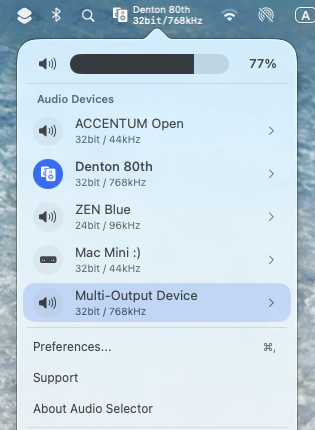
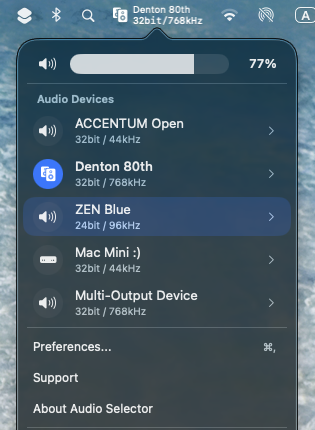
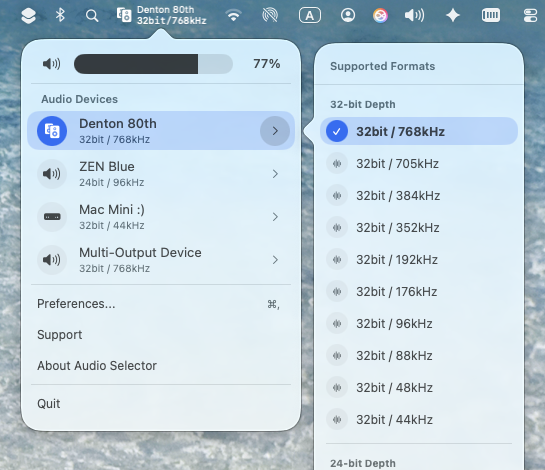
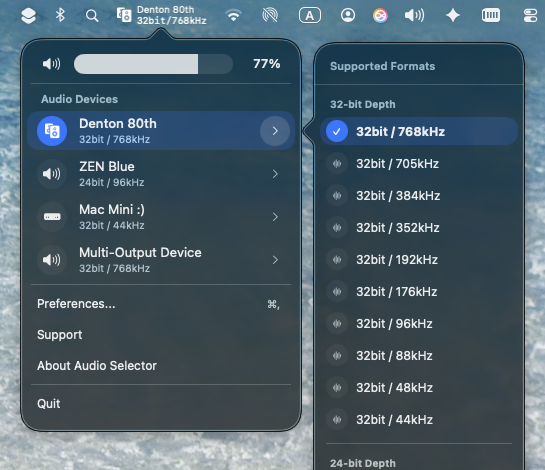
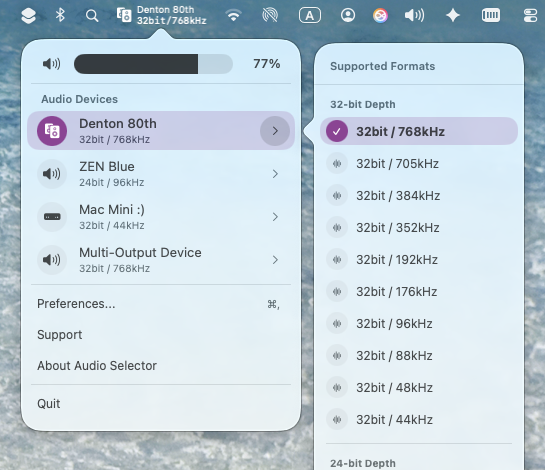
Total control of your audio devices and high-res formats,
right at your fingertips
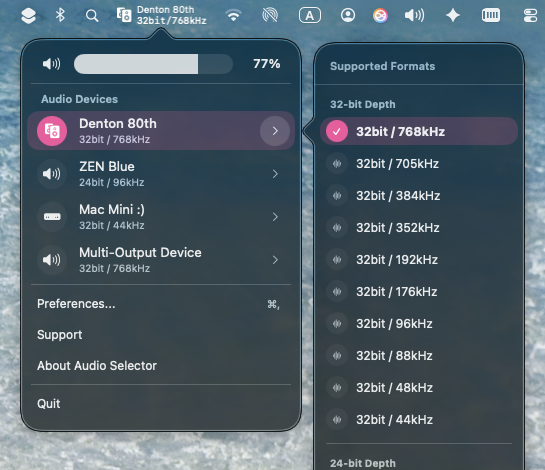
Change bit depth and sample rate instantly
Fully customizable settings
Tailor every detail — from menu bar layout and device names to volume controls.
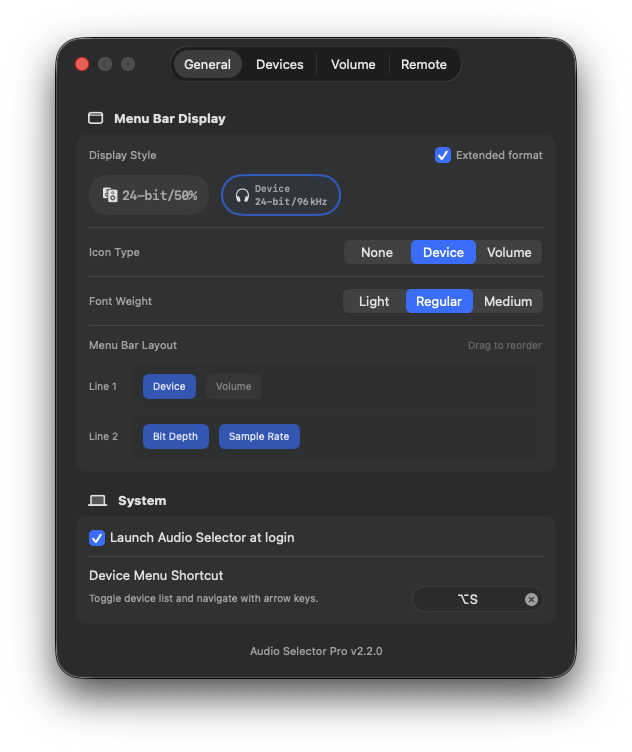
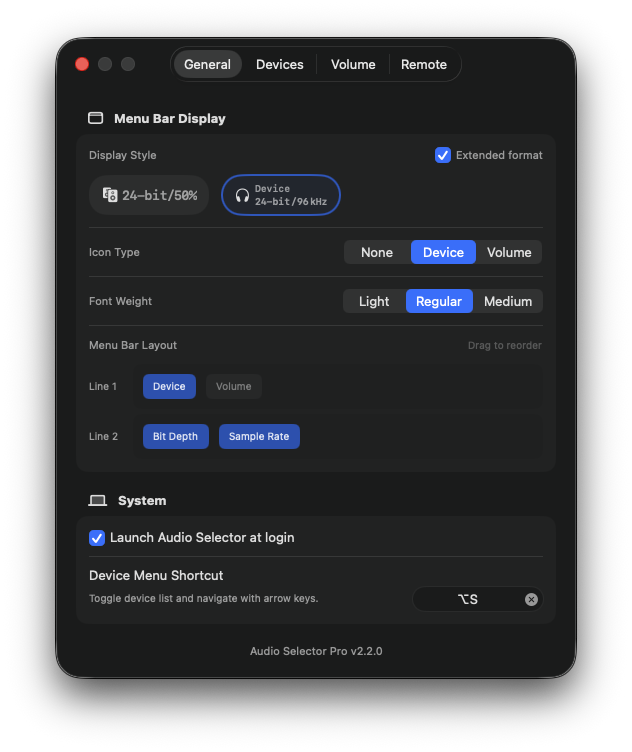
Choose view format, icon type, and reorder your layout
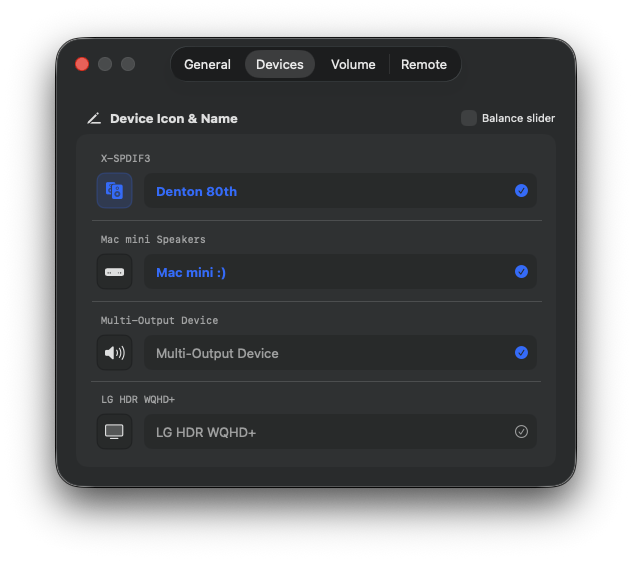
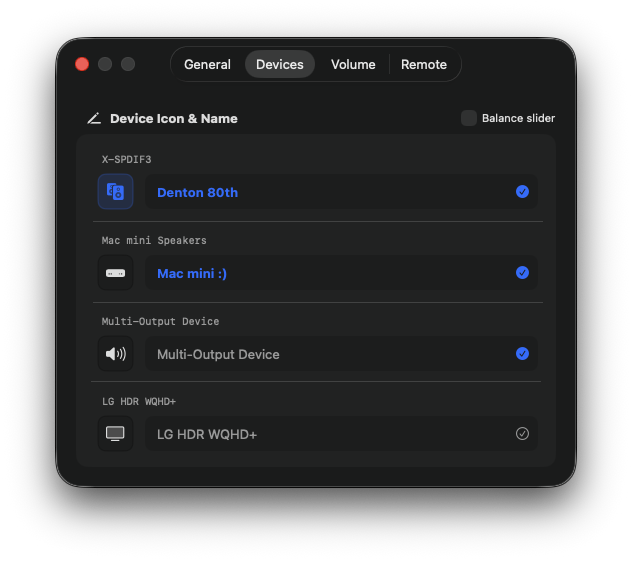
Rename devices and assign icons for instant recognition
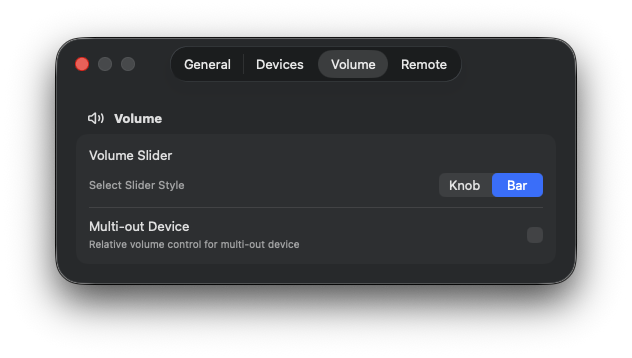
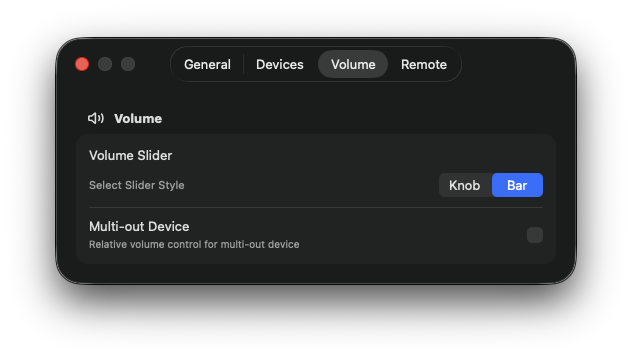
Pick knob or bar style, and enable multi-out relative volume
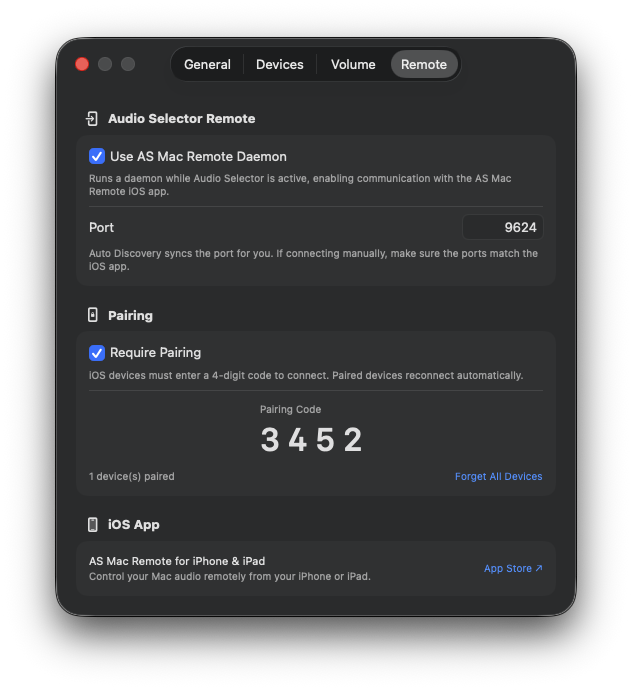
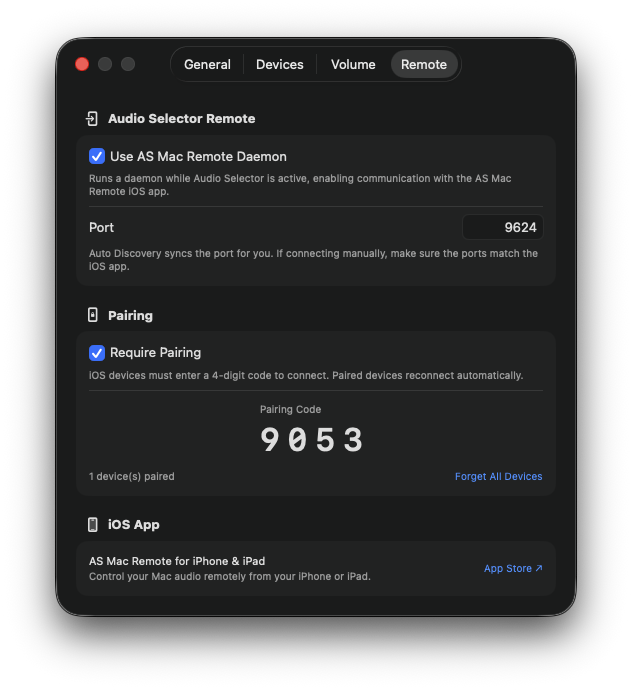
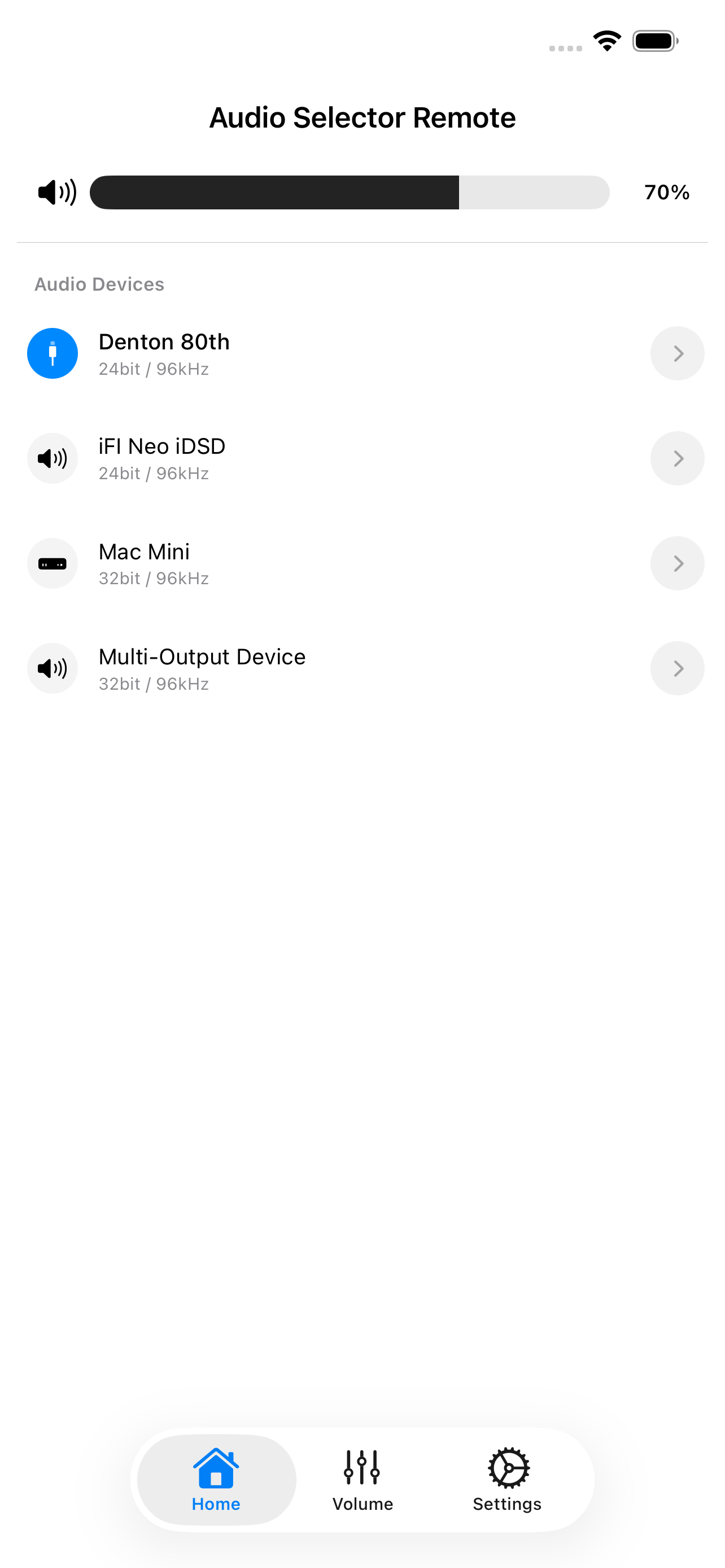
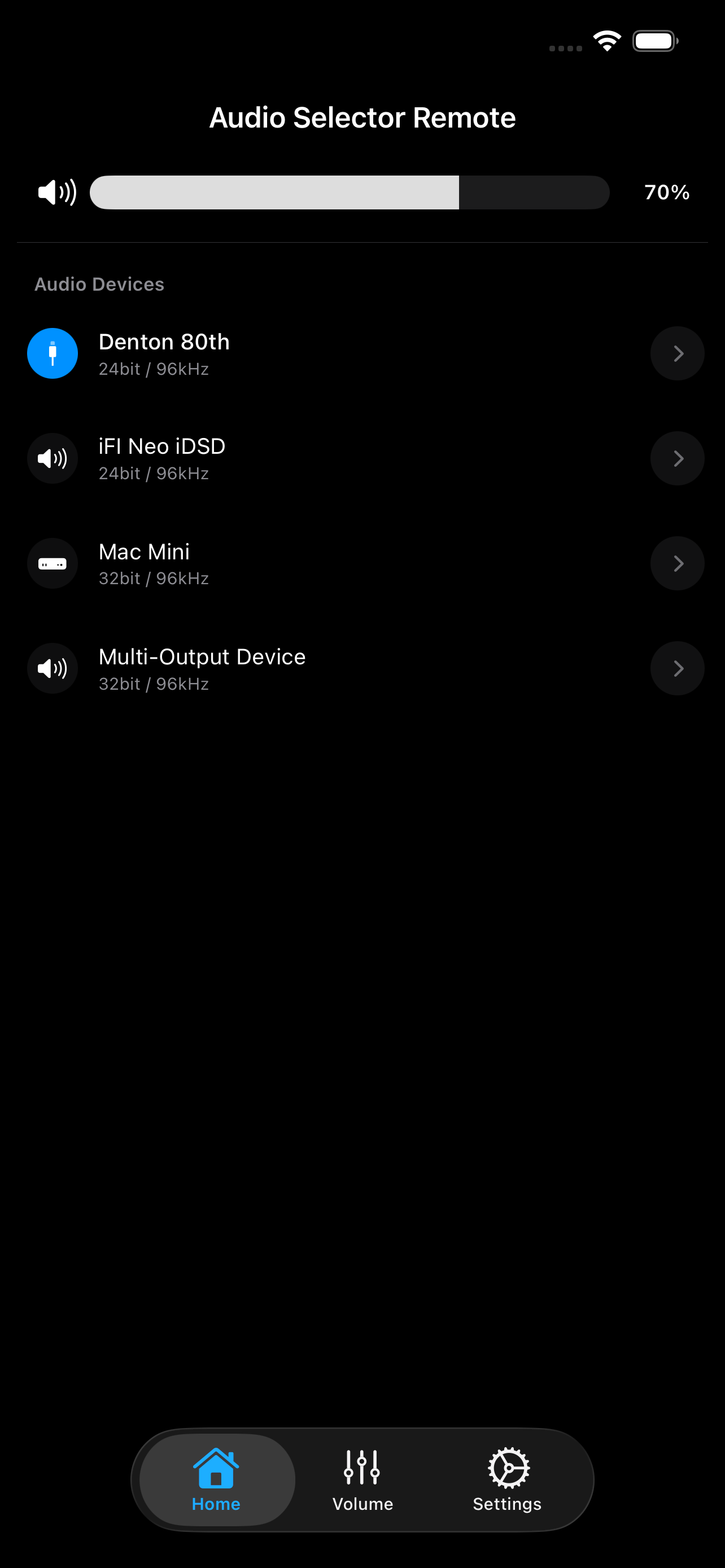
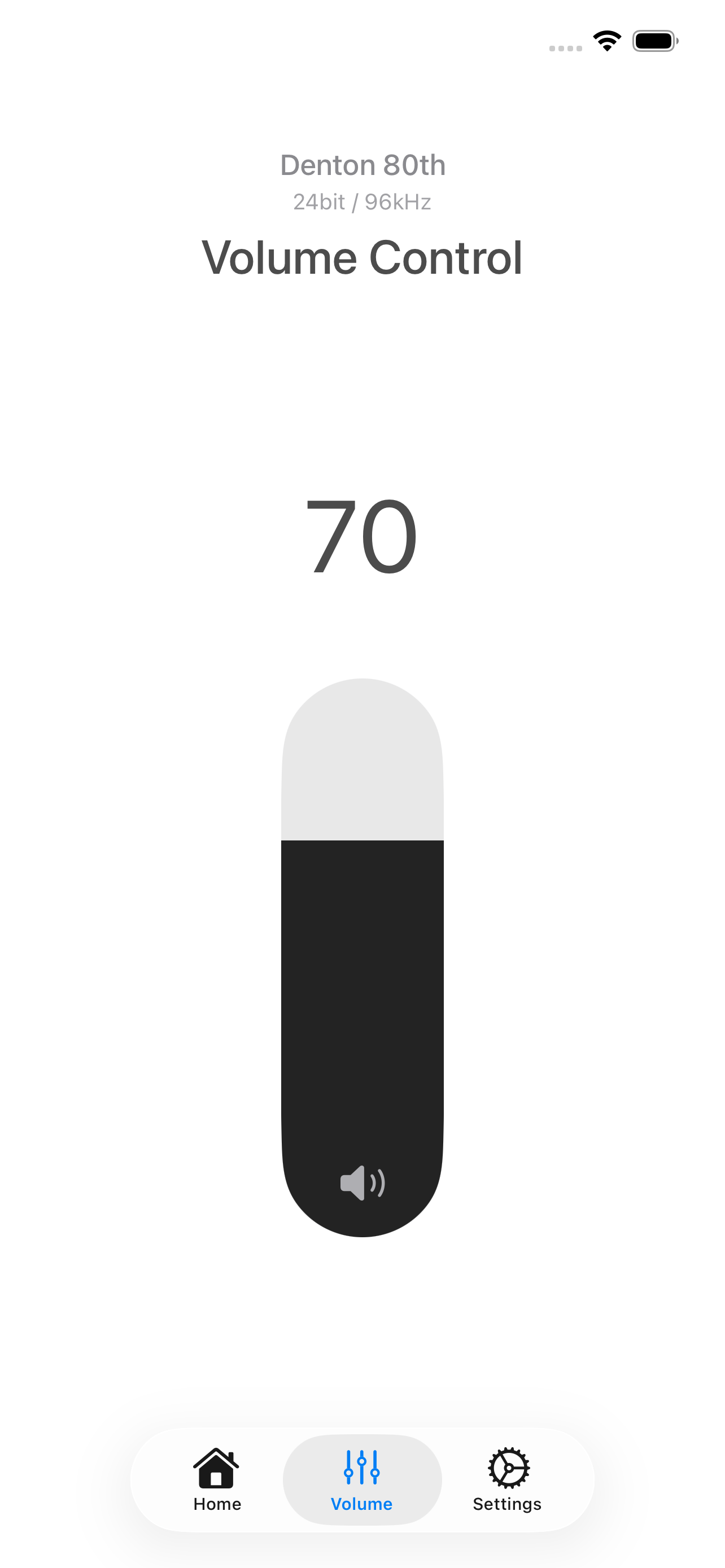
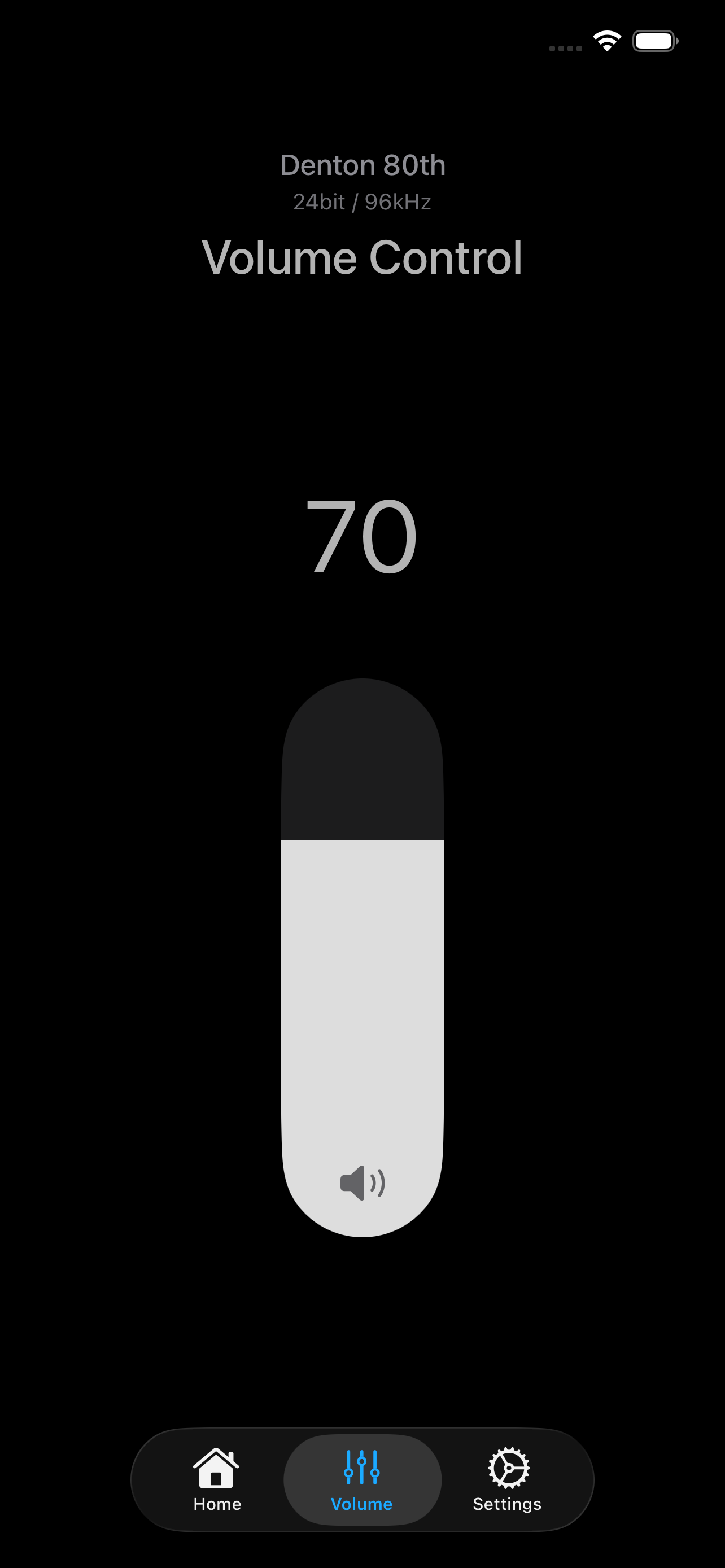
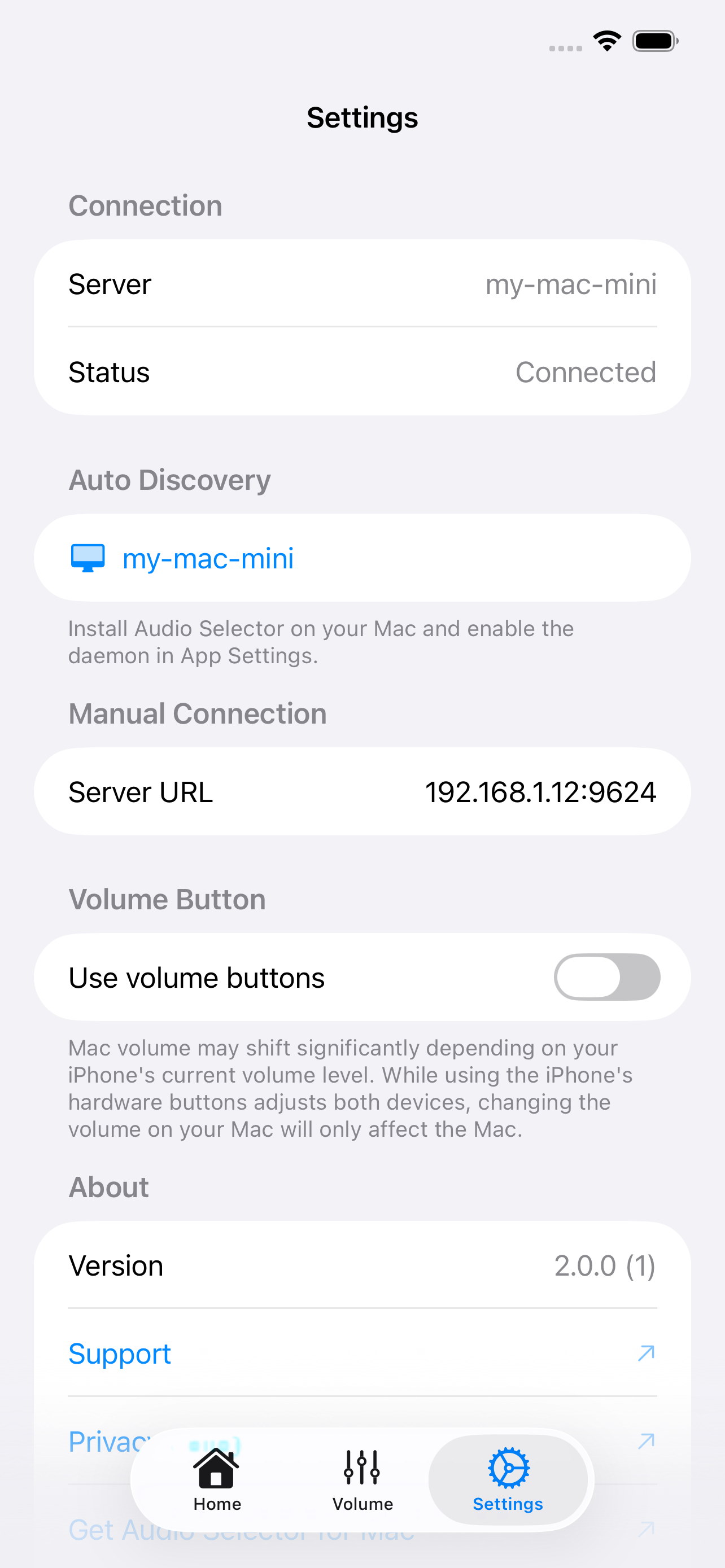
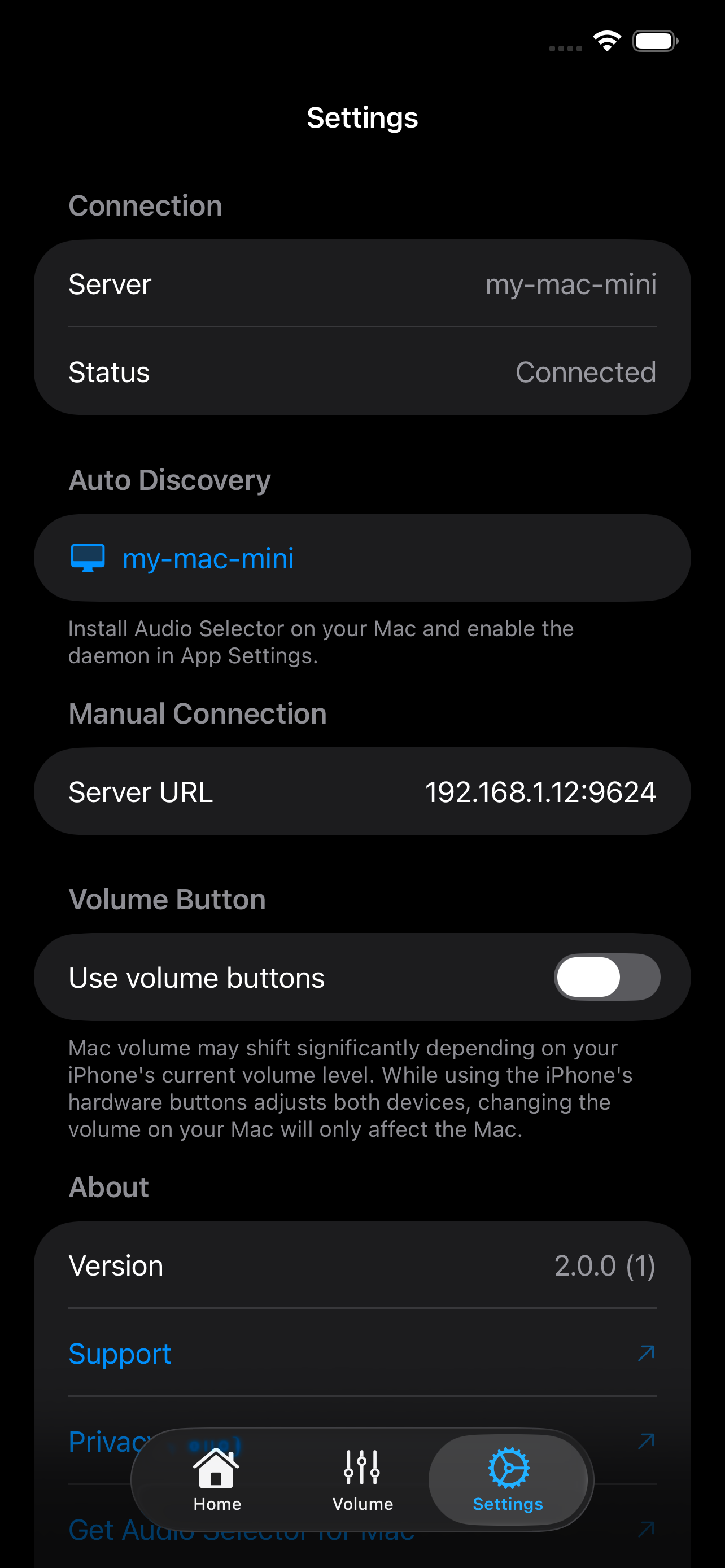
Control your Mac's audio from your iPhone
Control your Mac from your iPhone
Switch devices and adjust volume remotely with the free Audio Selector Remote companion app.
The Missing Audio Menu for macOS
Stop digging through System Settings. Manage devices and high-res formats directly from your menu bar.
One-Click Switching
Switch audio devices and formats like 32-bit / 768kHz instantly from the menu bar. No more digging through System Settings or MIDI setups.
Always Visible Status
Instantly see which audio device is currently active right from the menu bar icon. Stay informed at a glance.
Simple & Intuitive
A clean, native macOS interface that feels right at home. Designed to be minimal, fast, and distraction-free.
Start for free
Upgrade when you need more.
Free
Everything you need for quick audio switching.
- One-click device switching
- Input device switching
- Instant Bit Depth / Sample Rate control (e.g., 24-bit/96kHz)
- Menu bar icon with active device
- Real-time Monitoring
- Lightweight and fast
- Shortcut Support / Arrow Key Navigation
- Roon Volume Integration
- Connect with iOS Remote app
Pro
PopularUnlock advanced features.
- Everything in Free
- Dual-line format support
- Custom device names, icons and visibility
- Unlimited display customization
- Custom Volume Slider styles (Knob/Bar)
- Volume Bar icon (custom colors)
- L/R audio balance slider
- Multichannel output pair selection
- Ad-free Experience on iOS Remote
Available via In-App Purchase